Bulk prompts
Load a .txt file with one prompt per line. Foxi Flow sends them to Flow one by one and waits for each result.

A Chrome extension that turns a text file of prompts into a folder of finished images or videos in Flow, while you do something else.
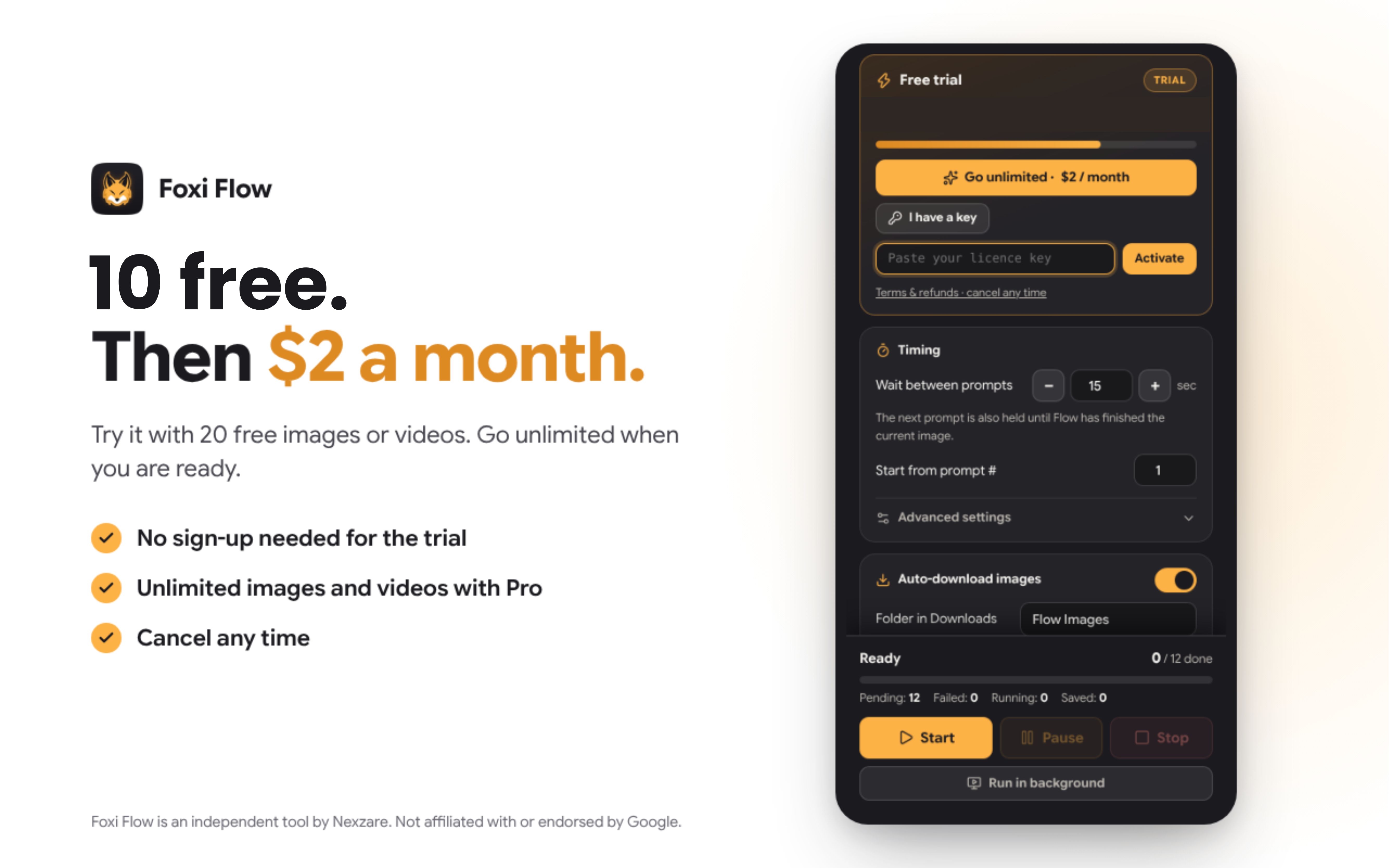
10 images or videos free · then $2 / month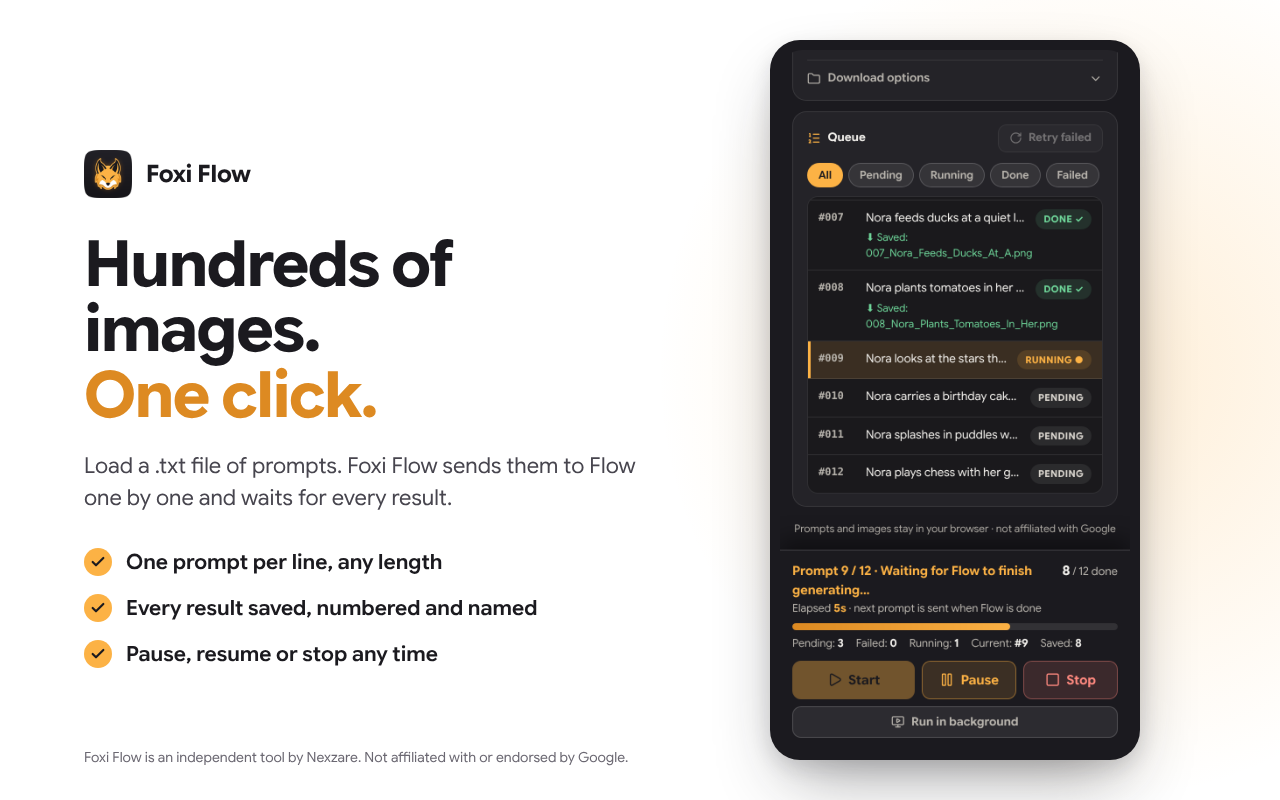
Load a .txt file with one prompt per line. Foxi Flow sends them to Flow one by one and waits for each result.
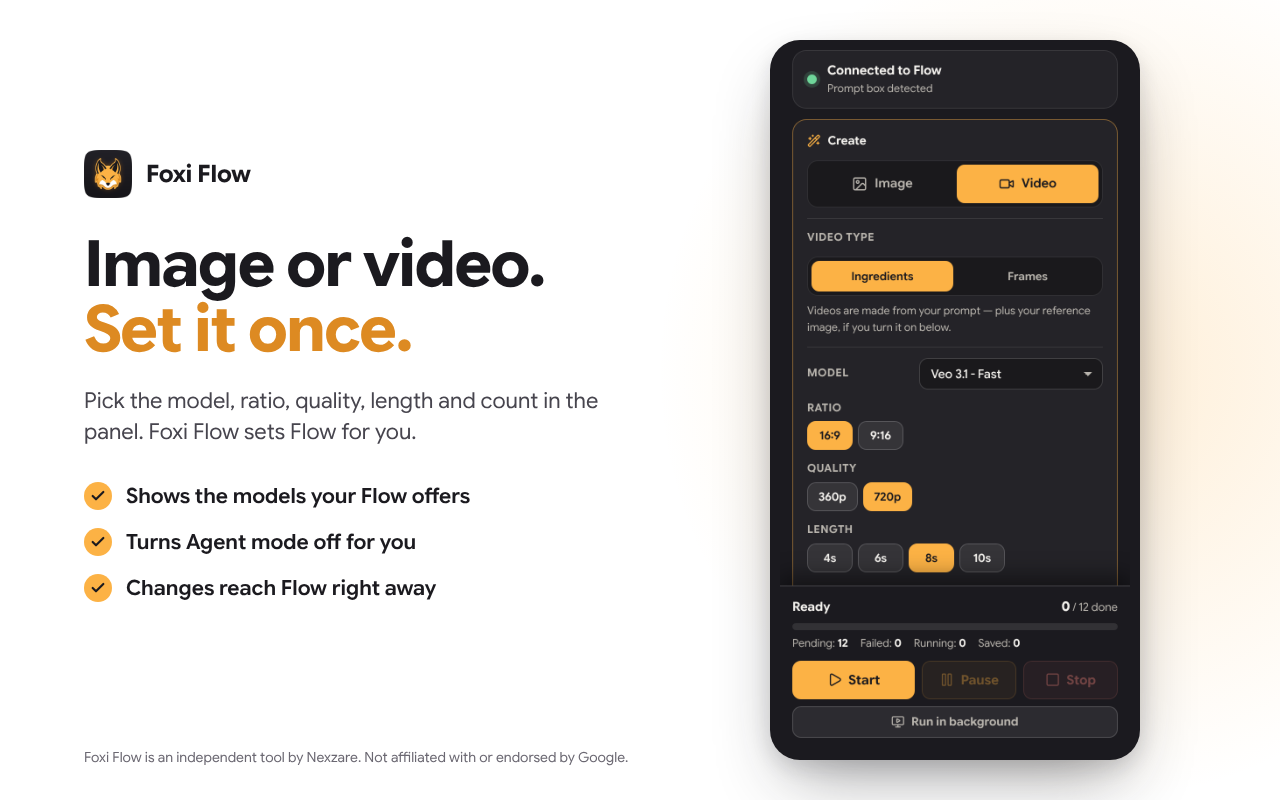
Pick the model, ratio, quality, length and number of outputs in the panel. Foxi Flow sets Flow to match and shows the models your own Flow account offers.
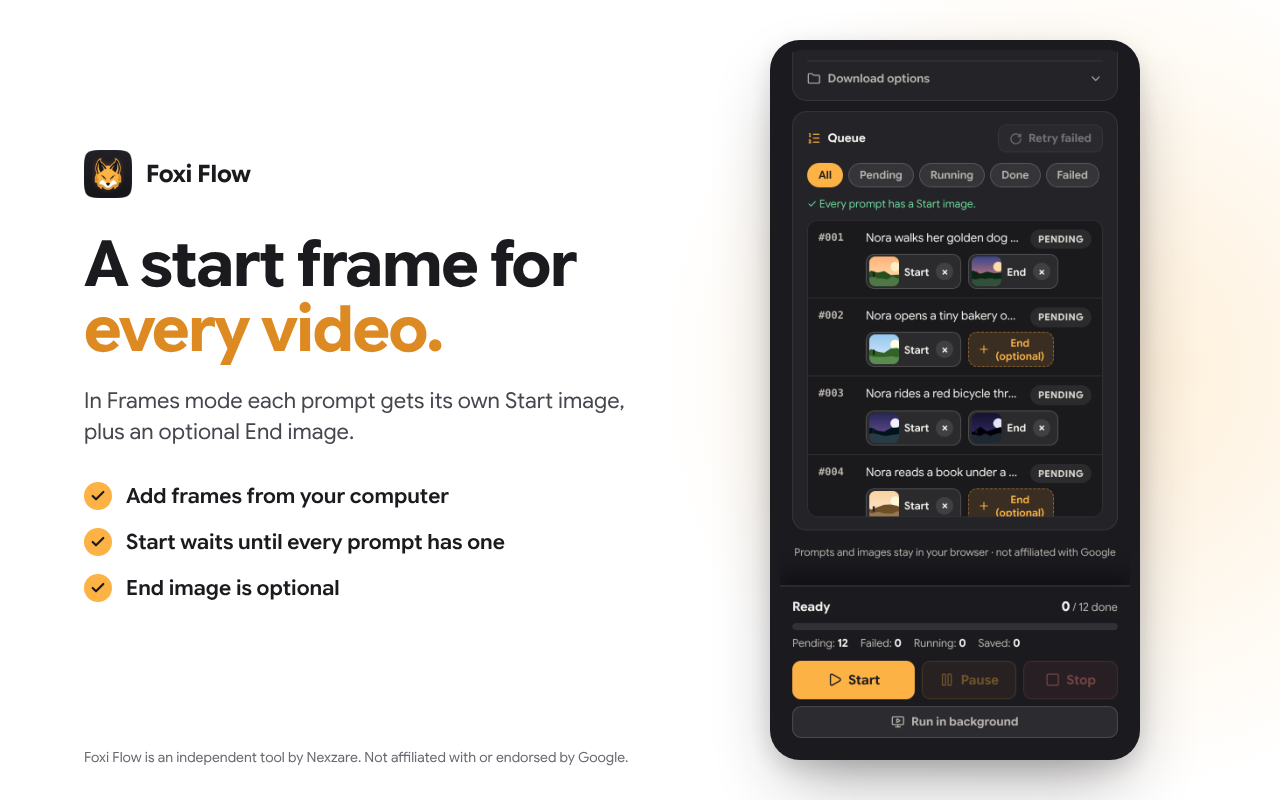
In Frames mode each video gets its own Start image, plus an optional End image. Start stays locked until every prompt has its Start image.
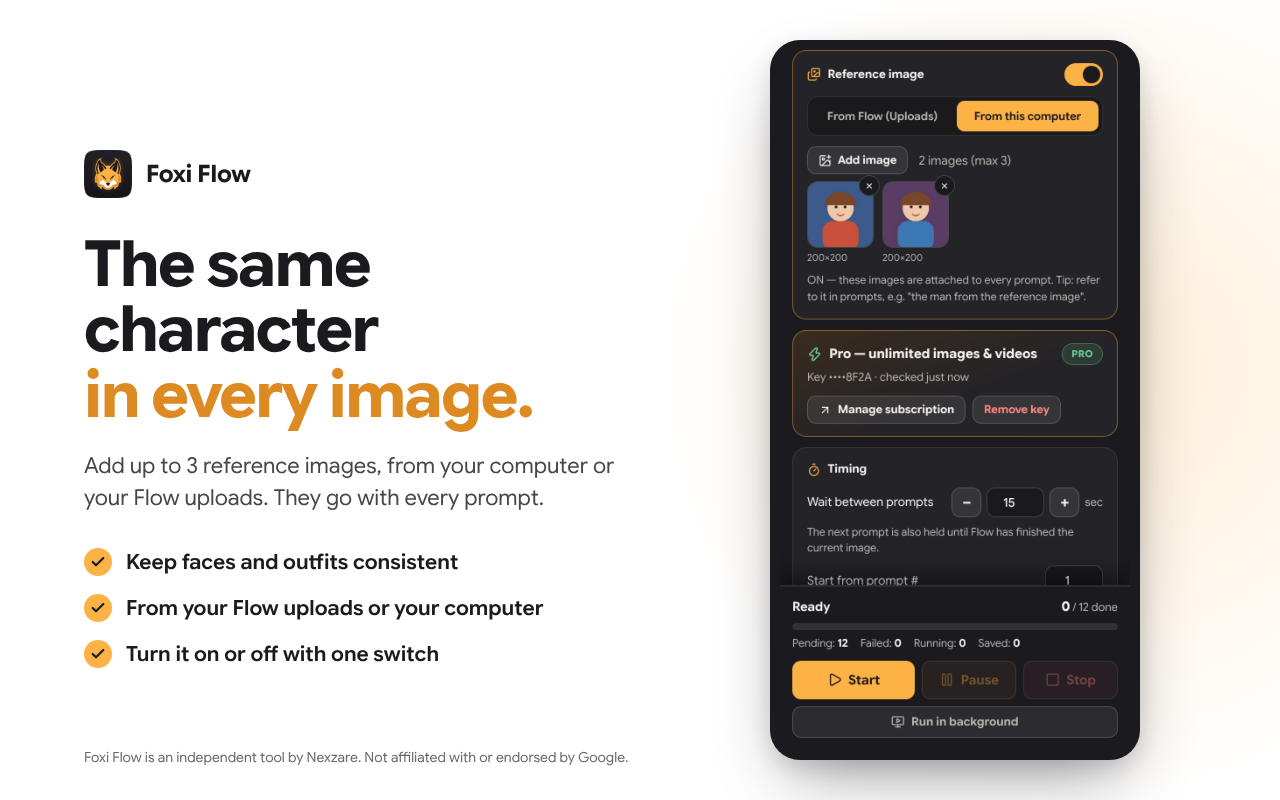
Add up to 3 reference images, from your computer or your Flow uploads. They are attached to every prompt.
Every image or video is saved to your Downloads folder with a numbered name in prompt order (e.g. 001_Your_Prompt_Words.png), one folder per prompt file.
Turn on “Run in background” and keep working in other tabs while Flow generates.
Install Foxi Flow from the Chrome Web Store and open your project in Flow.
Click the Foxi Flow icon; the side panel opens next to Flow.
Choose Image or Video and your settings, load your prompt file, and press Start.
Your images or videos download automatically, one after another.
Payments are processed securely by Gumroad, our merchant of record. Refunds within 7 days of your first payment — see Terms of Sale & Refunds.
No. Foxi Flow uses your own Flow account; Flow's own credits, limits and Google's terms still apply.
No. It works with the Flow website you are already signed in to.
Flow ignores clicks made by scripts, so Foxi Flow sends real mouse clicks and typing to your Flow tab only. That bar is Chrome telling you this is happening. It reads nothing else and stops when the work is done. Don't press Cancel on it while the queue runs.
They stay in your browser; only the licence key is checked with Gumroad. Read the Privacy Policy.
No. Each product has its own plan.
Use the link in your receipt email or "Manage subscription" in the extension.
Google Chrome, version 116 or newer, on desktop.
Foxi Flow is an independent product by Nexzare. It is not affiliated with, endorsed or sponsored by Google. ‘Flow’, ‘Veo’ and ‘Chrome’ are trademarks of Google LLC.